Salutations
This screen allows you to manage the various salutations that can be used in letters and emails.
List of salutations
Access: Tools → Admin → Repository → Salutations
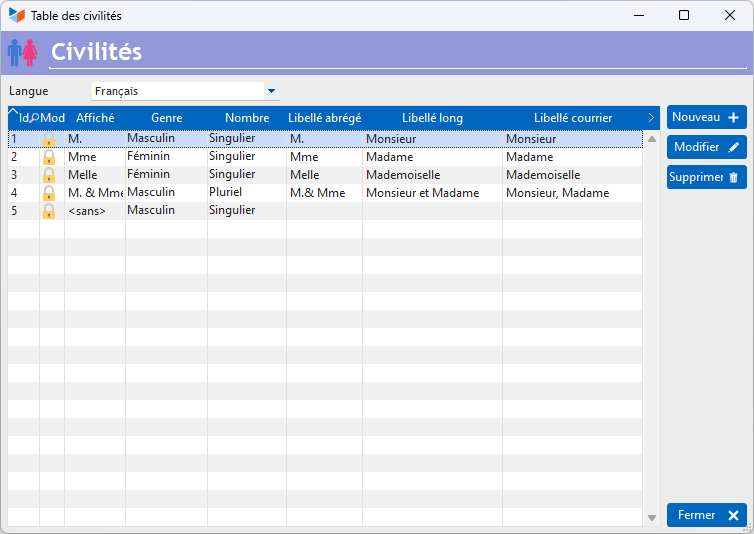
The list shows the various salutations available.
The salutation record allows you to edit existing salutations or create new ones, as shown below.
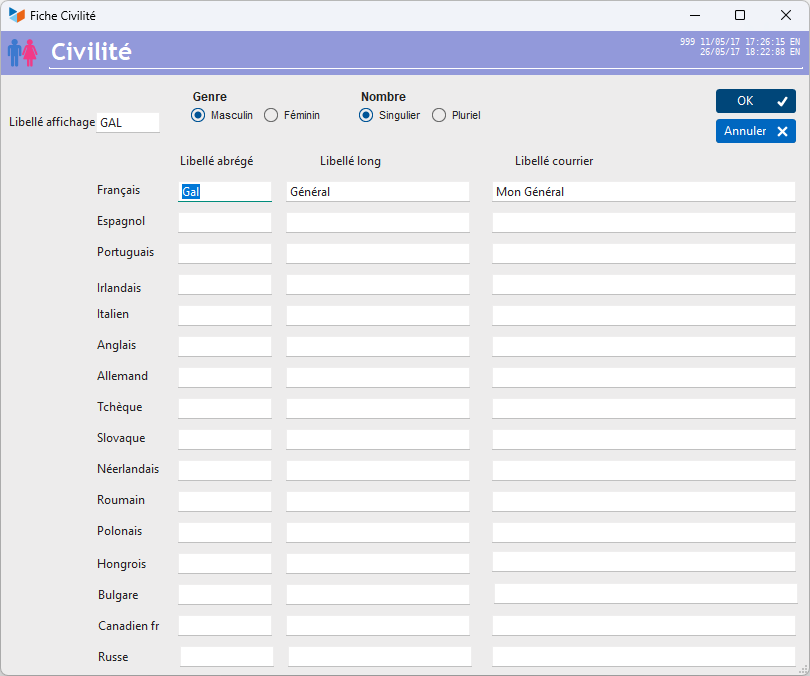
When creating a new one, start by entering a display label: this is the label that will appear in all contact lists.
Then specify the gender and number.
Finally, choose the labels to be generated in the various languages.
 16 languages are supported. If you require a language not listed amongst the available options, you can use another language that you do not normally use.
 Other ‘Repository’ articles