Ceci est une ancienne révision du document !
AMAZON: Amazon Interface
Overview
This extension allows you to import Amazon order data into Gestan invoices.
Settings
Settings can be configured via the Tools → Application Settings → Add-on Settings menu.
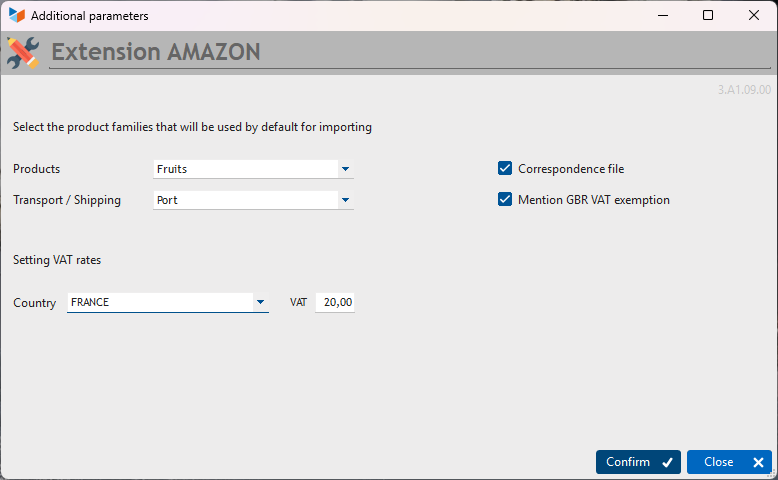
This screen allows you to select the default product categories for the import. The first is used for products and the second for any transport and delivery charges.
Usage
Access: Business → Import Amazon
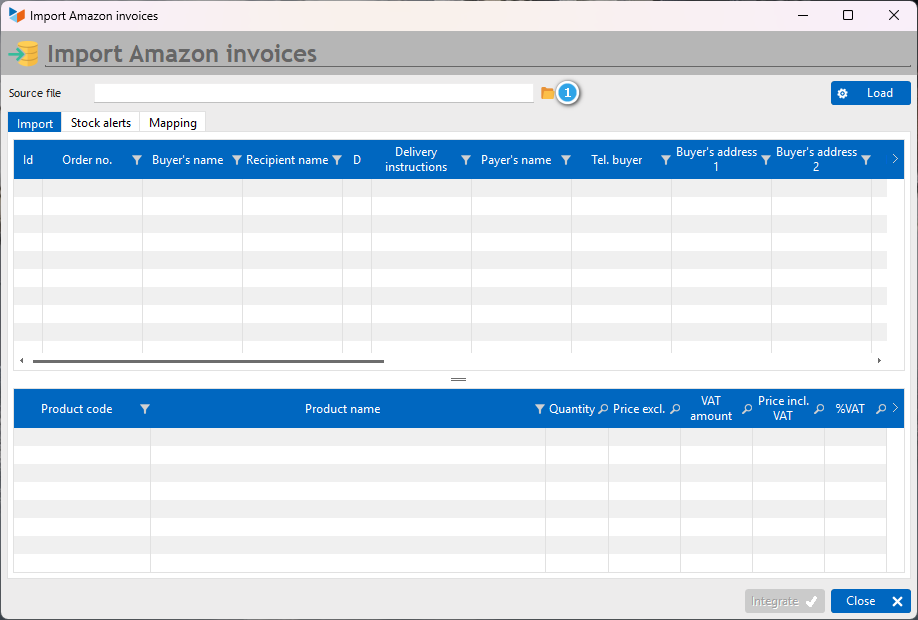
The 1 button allows you to select the file to be processed, and the Import button triggers the processing.
 If a town is not found in the postcode file, it is automatically added. Please remember to check that the information is correct before importing the data.
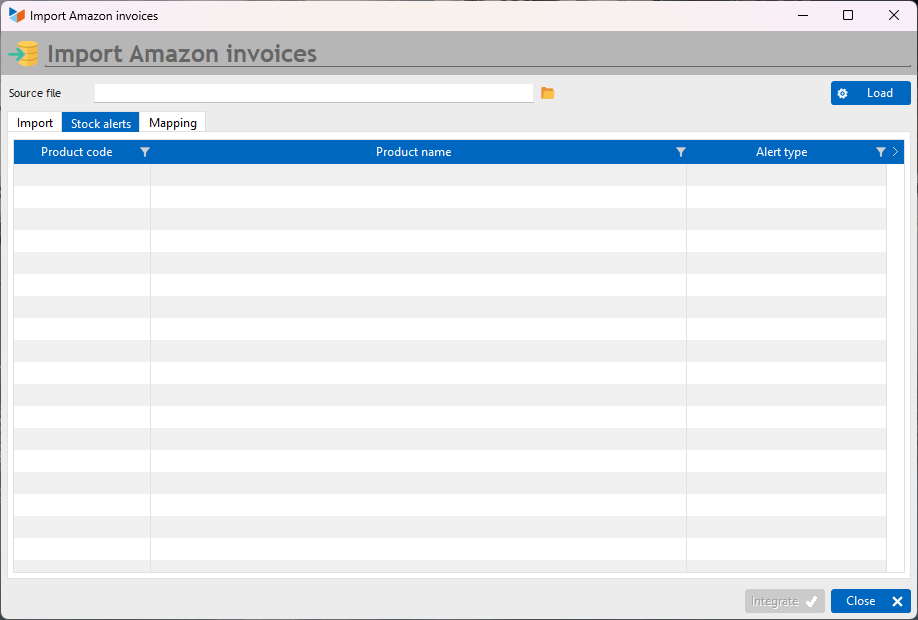
 If the products in the file support stock management, stock movements are automatically created. Any stock alerts will be displayed in the Stock Alerts tab.
Some alphabets may not be recognised by the extension. The relevant row will then be displayed in red and the relevant columns will show “Unrecognised characters”. You can edit these elements directly in the table before importing the data.
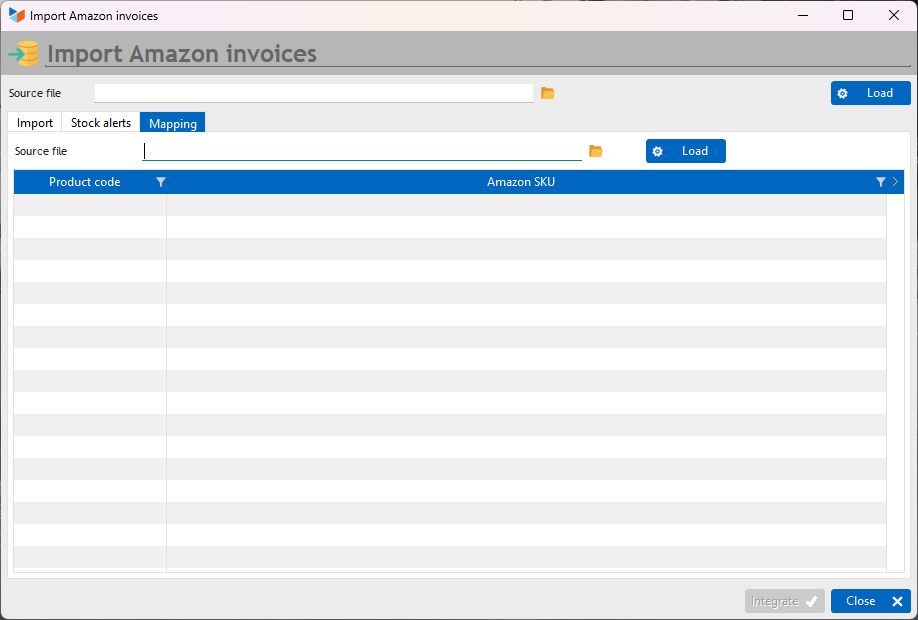
If the Mapping file box is ticked in the settings, a mapping file for Amazon and Gestan product codes can be uploaded.
Input file format
The input file must be an XLSX (or XLS) file. This is an export file generated by Amazon.
Some columns in the file will not be used during processing.
  A                 C               D              F             H             J         K          L         M
 ORDER NUMBER | PURCHASE DATE | PAYMENT DATE | BUYER’S NAME | PRODUCT CODE | DESCRIPTION |  QUANTITY | CURRENCY | PRODUCT TOTAL (incl. VAT) |
 N                       O                    P                  R                 S                       T
 PRODUCT TOTAL INCL. VAT | SHIPPING TOTAL INCL. VAT | SHIPPING VAT | RECIPIENT’S NAME | DELIVERY ADDRESS 1 | DELIVERY ADDRESS 2 |
 V                      W                      X                      Y                Z                AA
 DELIVERY TOWN | DELIVERY REGION/COUNTY | DELIVERY POSTCODE | DELIVERY COUNTRY | RECIPIENT’S TELEPHONE | PAYER’S NAME |
   AB                           AC                    AE                      AF                      AG
 INVOICE ADDRESS 1 | INVOICE ADDRESS 2 | INVOICE TOWN | INVOICE REGION/COUNTY | INVOICE POST CODE |
   AH                 AL                          AR          AV            BC                BD
 INVOICE COUNTRY | DELIVERY INSTRUCTIONS | BUSINESS ORDER | COMPANY NAME | PRODUCT TOTAL EXCL. VAT | SHIPPING TOTAL EXCL. VAT
In the case of an Amazon order containing several products, there will be several lines with the same order number. These lines will contain the same information, except for the products.
