Product stock details
 A1 proofreading not yet effective for this page. In the meantime, you can ask any questions on the forum.
This screen presents the details of product stocks.
Using the screen
Access: Products → List of products → “Stocks” button → Stock details
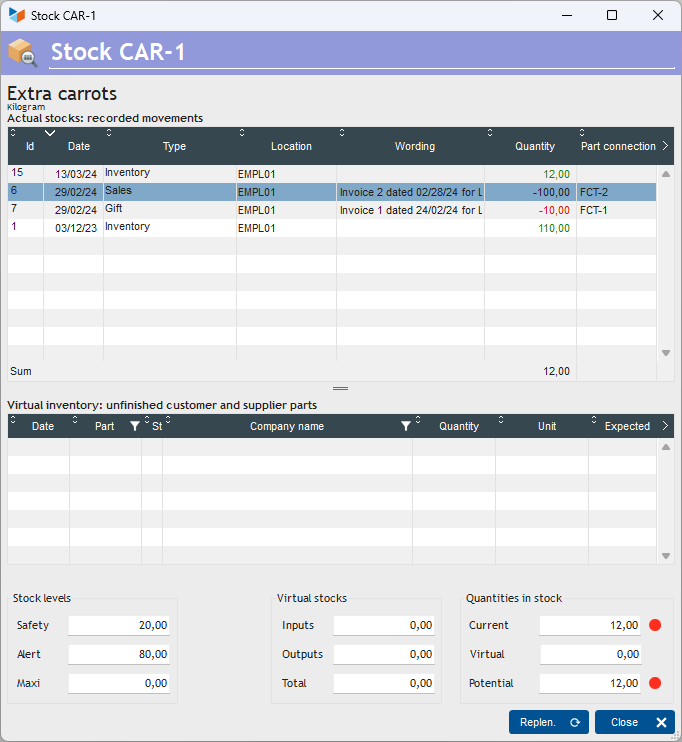
The upper part of the screen shows actual stock movements.
The lower part of the screen presents the virtual stocks. These are the products that will arrive or leave your physical stock, but which have not yet arrived or left. For example, when you place an order for 3 boxes of Champagne, they are considered in your virtual stock as soon as you have issued the supplier order, but will not be physically present until they are received by you.
 Other “Stocks” articles