Task allocation
This screen displays the tasks assigned to a user.
Using the screen
Access: Projects → Task Allocation
The screen is only accessible to users with task assignment privileges.
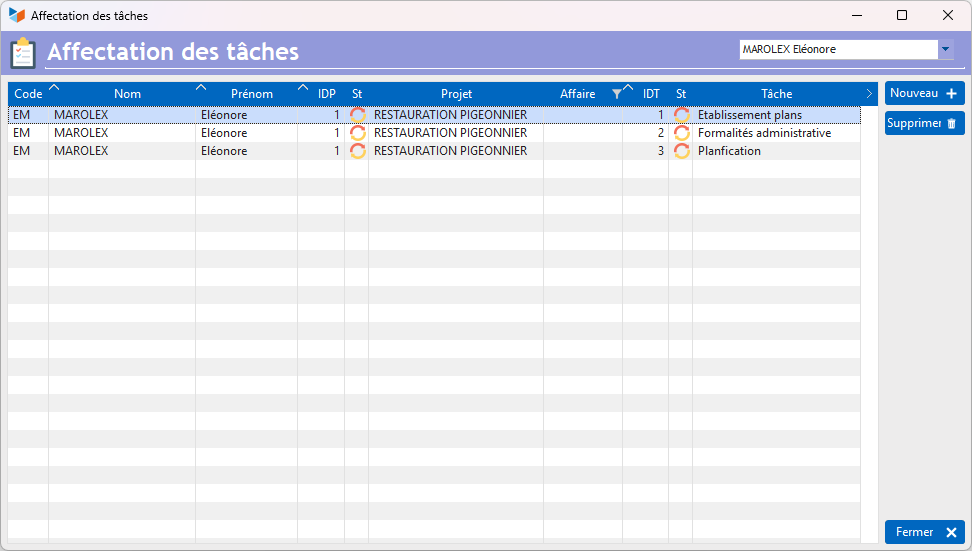
The screen shows which tasks are assigned to which users.
The drop-down menu 1 offers three options:
- Select project : allows you to select a project and view all assignments for that project. The New button allows you to select a user to assign them to that project.
- <Tous> : allows you to view everyone’s assignments across all projects. The New allows you to select a user to assign a new task to them.
- [Username] : allows you to view the tasks currently assigned to the user. The New allows you to assign a new task to the selected user.
ℹ️ Other articles on “Projects, tasks, working hours”