Table des matières
Header creation wizard
 A1 proofreading not yet effective for this page. In the meantime, you can ask any questions on the forum.
The header creation wizard helps you create images adapted to the headers used by Gestan in quotes, invoices, intervention sheets, etc.
Screen operation
Access: from the general settings screen, parts tab, Logos pane
This screen allows you to generate an image displayed in the 1 zone.
Logo and slogan
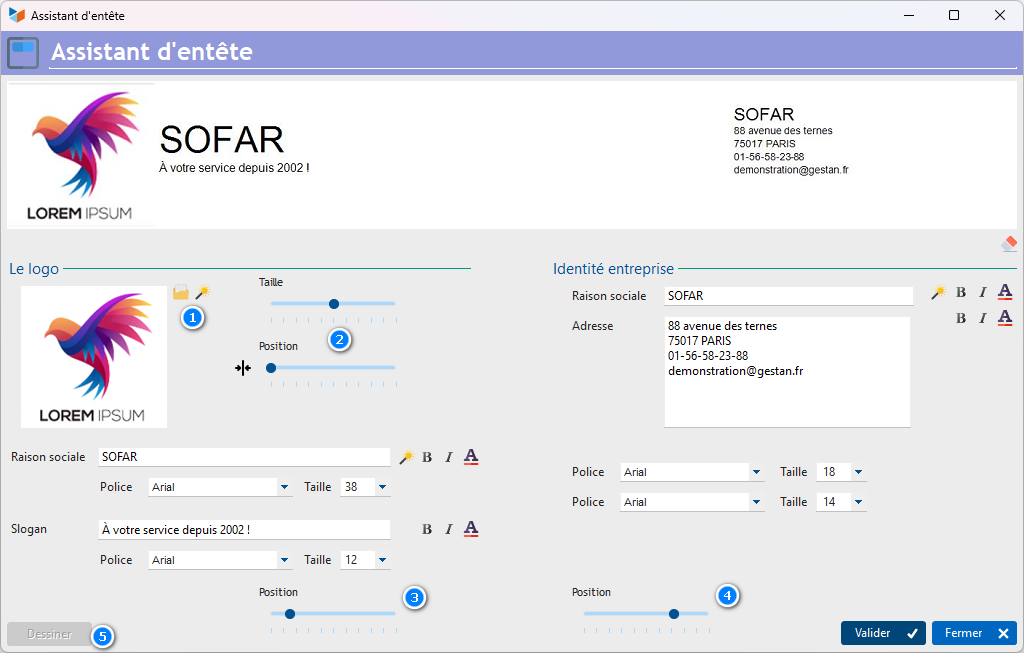
The 2 buttons allow you to select the image of your logo, or to select one from a list proposed by Gestan. If you choose an exterior format, it is best to choose a square format for this logo, or a rectangular format, with the longest side of the rectangle being horizontal.
You can adjust the size and position of this logo via the 3 controls.
The Company Identity zone includes its company name, and possibly its commercial slogan, such as “At your service since 2002”, or “Low voltage electrician in the Rhone” (you can integrate <br> in the label, to position it on two lines. Its position is adjustable, via the 4 potentiometer.
Address block
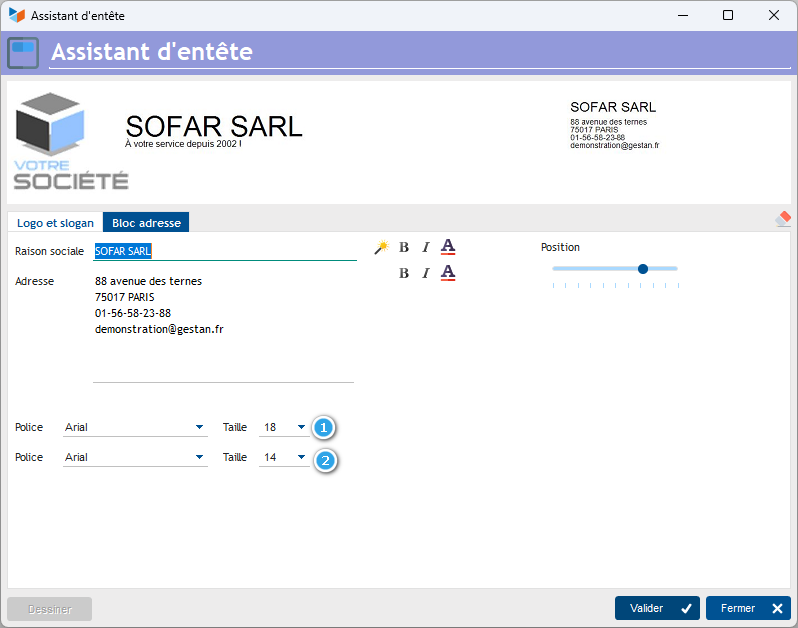
This pane allows you to position an address block in the logo. You can set the font and font size for the company name and identification elements, via the 1 and 2 controls.
You can also adjust its position in the image.
 Other articles “General settings”