Rental planning
 A1 proofreading not yet effective for this page. In the meantime, you can ask any questions on the forum.
With Gestan, you can manage rentals or loans en mode monoligne or en mode multilignes.
In both cases, they can be displayed on the rental schedule.
Using the screen
Access: via the Schedule button on the rental list screen
Single-line rentals
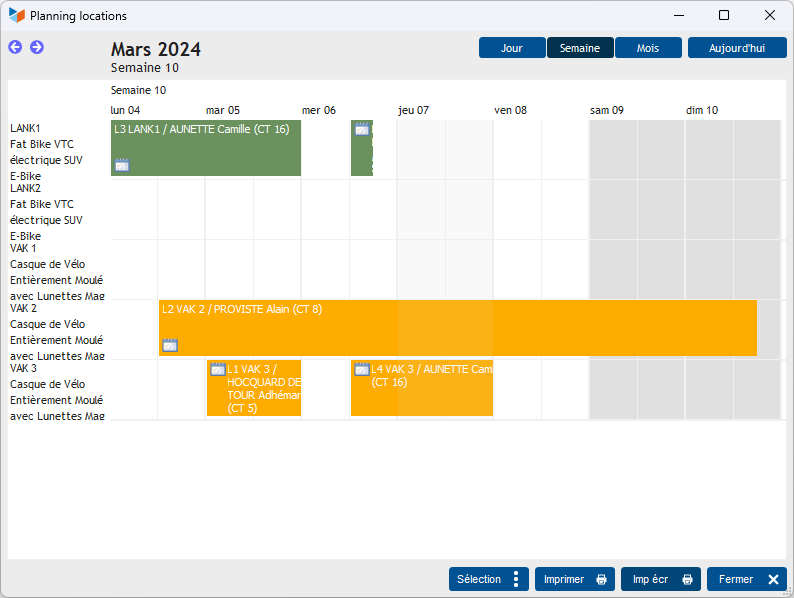
Planning displays machine names as resources (for example, the names of hotel rooms).
Colors are displayed according to the type of machine.
Multiline rentals
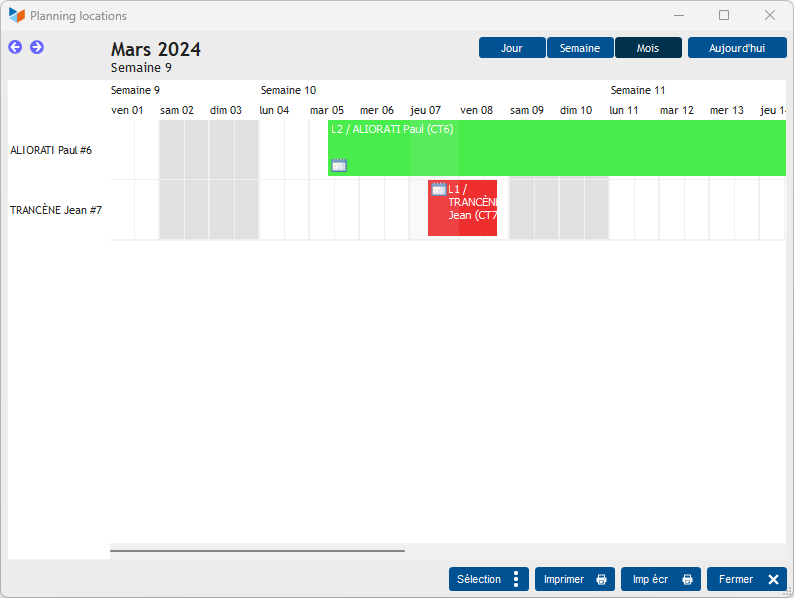
The schedule shows the renter's name as a resource.
Colors are displayed according to contact type.
Multiline rentals - detail mode
Access: via the Dispos button on the rental sheet in multiline rental mode
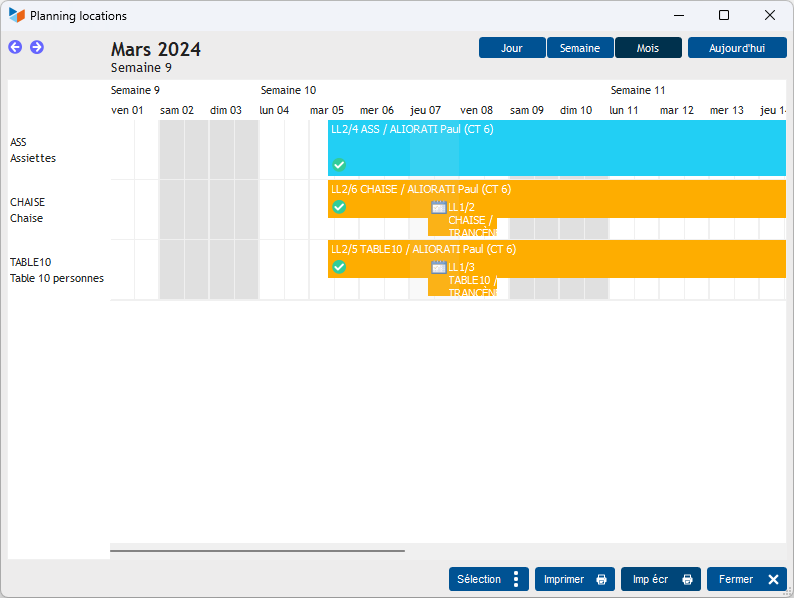
In this special mode, the schedule shows rentals for a series of machines.
In this way, it is possible to see whether equipment is in conflict for a particular rental.
Colors are displayed according to the type of machine.
In this example, we see that there is a date conflict.
 Other “Machines ” articles