Geographical assignment of contacts
 A1 proofreading not yet effective for this page. In the meantime, you can ask any questions on the forum.
Each contact registered in Gestan can be linked to a user, usually the salesperson in charge of the customer.
However, sales reps can sometimes change, or be assigned to new regions.
This screen allows you to make mass changes to the user responsible for the contacts concerned, based on a zip code criterion.
Using the screen
Access: Tools→Administration→Data processing→Assign contacts
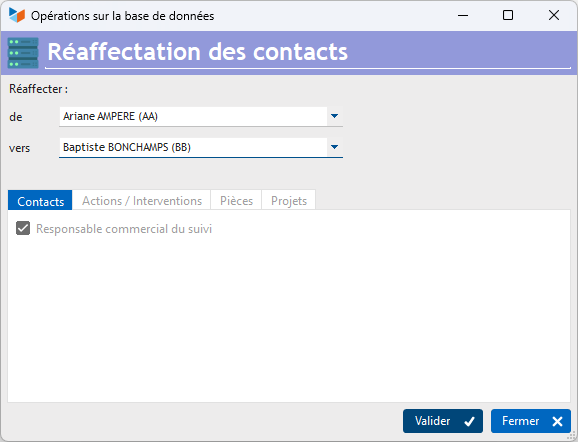
Choose the user concerned, enter the code of the department or departments concerned (separated by a semicolon), and click on Validate.
Here, we would assign to user BB all contacts whose personal or professional postal code begins with 75 or 77.
 If you want to process all records, enter * in the Postal Code box.
 Other “Contacts” articles