Supplier orders
 A1 proofreading not yet effective for this page. In the meantime, you can ask any questions on the forum.
Supplier orders are the orders that you issue to your suppliers (and not those that you receive from your customers).
List of commands
Access: Suppliers → Supplier orders
The list screen displays all purchase orders within the specified date range (calendar year, fiscal year, or month).
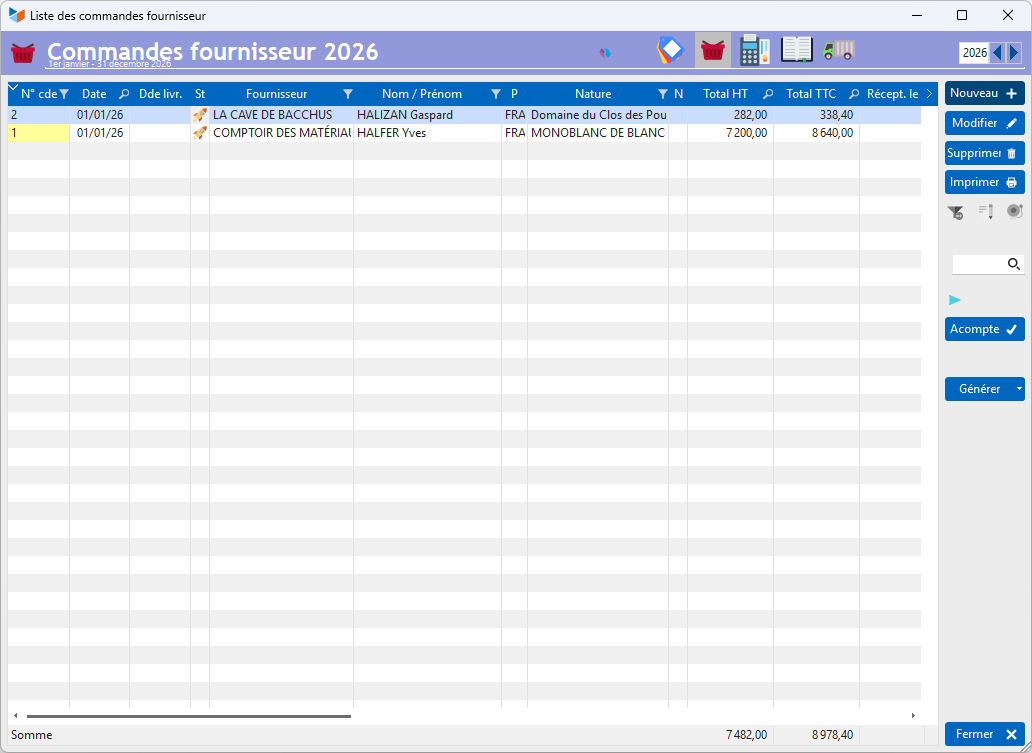
The Deposit button allows you to record your deposit payment on the order. If the order is used to generate a supplier invoice, the deposit will be attached to the generated invoice.
Deleting orders is possible for all users (as opposed to deleting invoices, reserved for Gestan users with administrator rights).
Order form
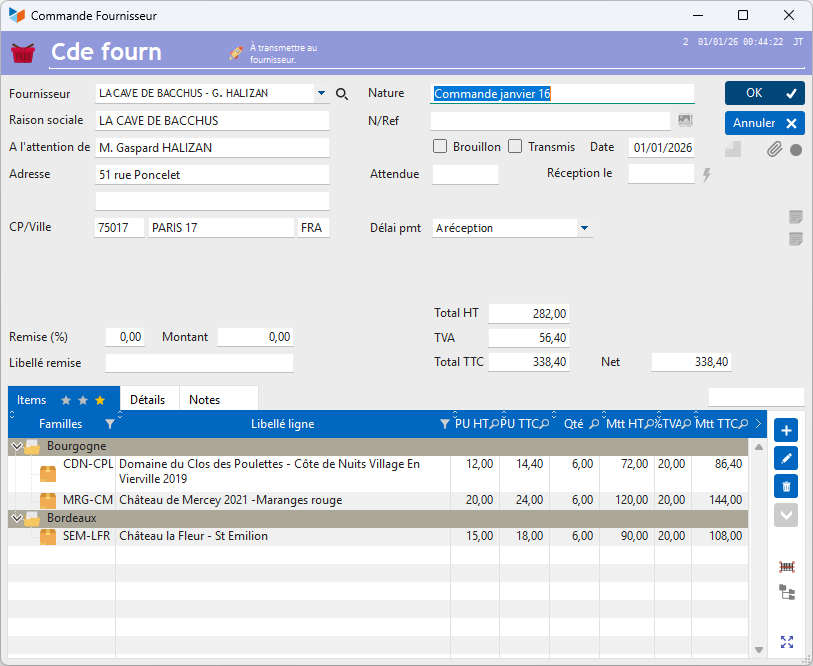
Tips for purchasing orders
 Normally, a purchase order is issued to your own address. It may happen that you want to have the order delivered to another contact, for example when you place an order with a supplier, and you want your order to be delivered directly to your end customer and not to yourself. To do this, it is possible, using the choose a contact for delivery option, right-click on the Customer combo, to select another contact.
 Other Supplier Invoicing articles
Billing: common elements