Enterprise License
 A1 proofreading not yet effective for this page. In the meantime, you can ask any questions on the forum.
Gestan Standard is completely free business management software.
However, use of Gestan's advanced functions requires the purchase of an Enterprise license.
Buy an Enterprise license
Access: Open the Gestan software, then use the menu? → Gestan Entreprise → Buy a license.
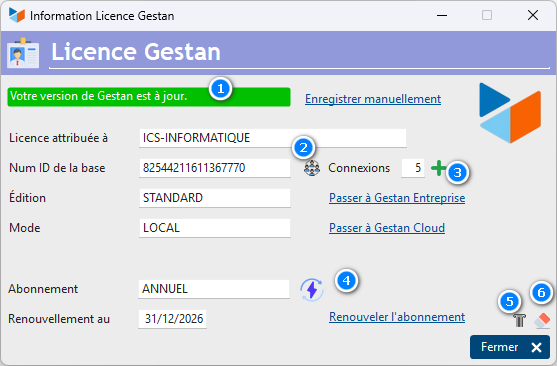
The license purchase menu opens the screen below:
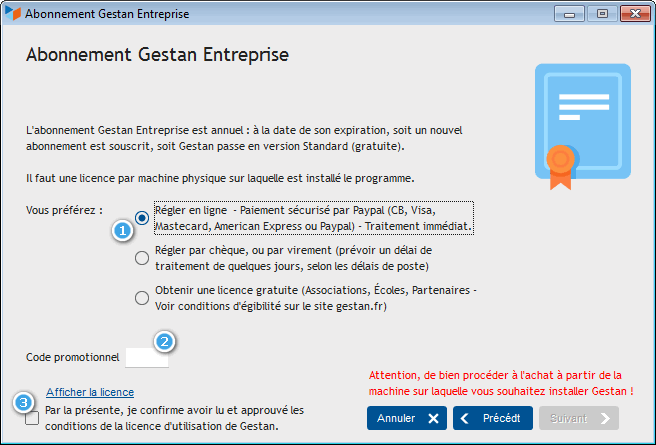
On this screen, via the 1 radio button, you can choose your payment method:
- Online payment: This process is automatic, and you should receive the license key and invoice for your purchase within minutes of your payment. If this is not the case, you can contact ICS about this (by email preferably).
- Check or transfer: the assistant will generate a purchase order in PDF format. In the case of check, forward the purchase order and your check to ICS at the address indicated on the purchase order. In the case of a transfer, make the transfer through your bank, and send by email the order form and the transaction notice from your bank.
- Free licenses: in some cases, your licenses may be free! This concerns schools, associations, and partners (see eligibility conditions).
Gestan offers promotional rates in certain circumstances, entering a promotional code 2 sometimes allows you to benefit from exceptional rates!
Then click on the Show license link to view the terms of the license agreement. This has the effect of checking the 3 box, which allows you to continue the payment process by clicking on the Next button.
Register a license
Access: Open the Gestan software, then use the menu? → Gestan Entreprise → Save the license key.
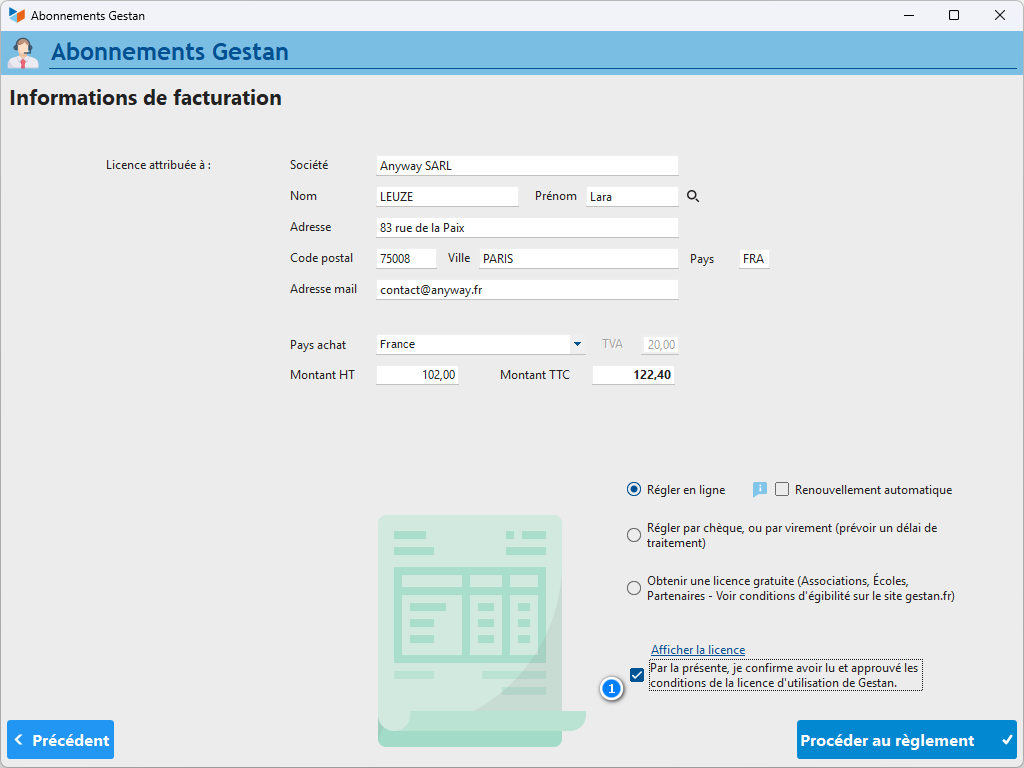
On this screen, indicate the license number you received, and its expiration date, then click on the Validate button.
If you use Gestan on a USB key:
There is no “Register License Key” menu. You must save the license on the machine holding the license, then export the database for use on a USB key, via the Tools > Administration > Export database menu.
Tips and tricks
My Gestan has returned to standard, what should I do?!
It may happen that Gestan reverts to the Standard version, even though your license is valid.
The easiest way is to go to the “?” of Gestan, then click on the Version switcher option. You should then find your Enterprise version.
If this does not work, it may be because the license file (C:\ProgramData\GESTAN15\licence.dat) has been overwritten. In this case, the easiest way is to register your license again.
It may also happen that Gestan is unable to recognize your license: for this, it must be able to communicate with the Gestan servers, via port 80 and port 3306. To check this point, use the Tools menu - >Administration→Special tools→Test communication. Test both options (for HTTP - port 80, and for MySQL - port 3309). If communication does not work for one or the other of these two options, check your local configuration: antivirus setting, firewall setting, box setting.
Finally, if nothing works, don't throw your computer out the window, but simply call support.
I changed my computer, how is the license going?!
When you change machines or change the hard drive of your machine, or reinstall Windows, the machine number detected by Gestan changes. The license key therefore also changes.
You must then carry out a license transfer.
I have a weird message, what does that mean?!
When renewing your license, you may get the message below.
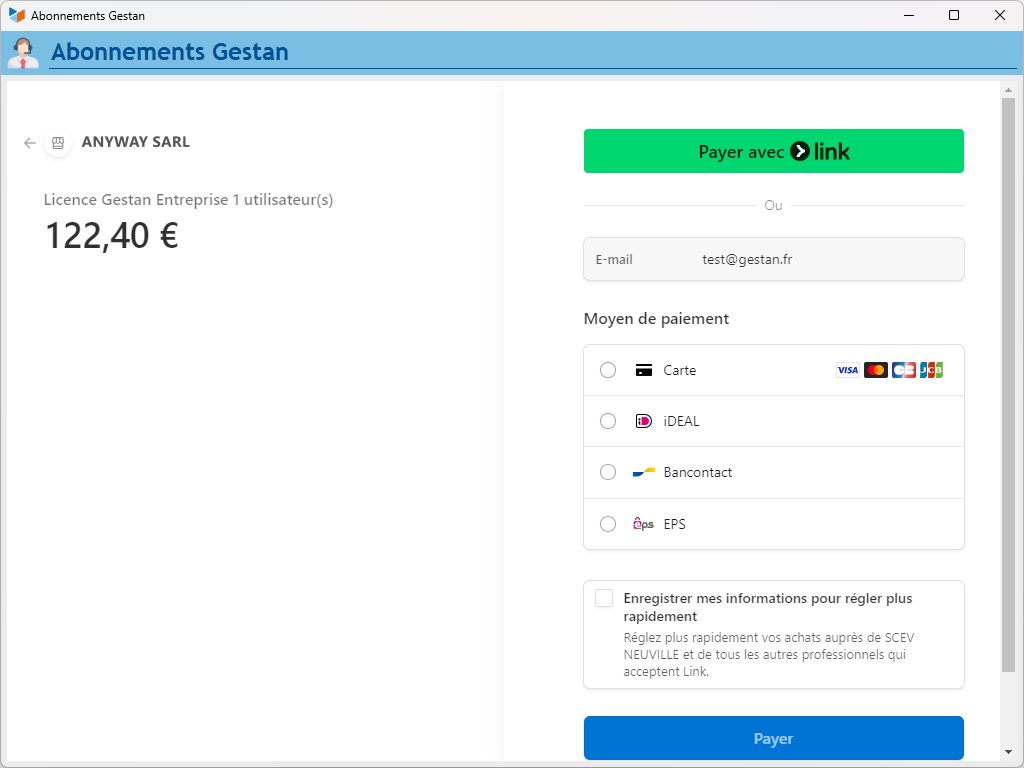
This means that Gestan cannot find the license database on the Gestan server. To check this, use the Tools→Administration→Special Tools→Test Communication menu. Test both options (for HTTP - port 80, and for MySQL - port 3309). If communication does not work for one or the other of these two options, check your local configuration: antivirus setting, firewall setting, box setting. If both work, the Gestan server may be temporarily unavailable, try again in 15 minutes and if the error persists, call support.
Multiple licenses
When you have many (more than three) Gestan licenses in your company, it can be tedious to manage license by license.
While waiting for the license to be unique, based on the number of connections (this is planned for not too long!), it is possible to ask ICS for global processing of your licenses. Here's how to do it.
Procedure
For each of the machines concerned, retrieve the machine number, via the menu? > About.
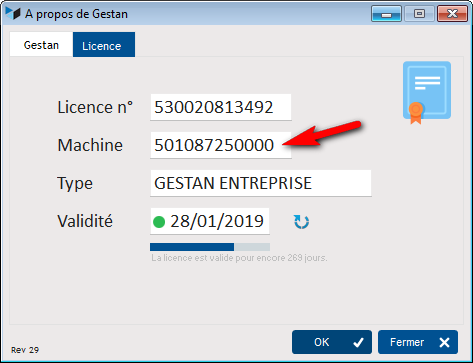
Then simply send this list of machine numbers to the address: contact@ics-informatique.com
We will then return you a payment link which will allow you to pay online, and will send you the invoice and license keys at the end of your payment.
 Other “Admin” articles
Benchmark readings
Change history
Cleaning C/S connections
Customer account
Data audit
Deactivatable messages
Enterprise License
Free Gestan licenses
Gestan extensions
Installing Gestan
License extensions
Migrate your current ERP to Gestan
Multilingualism
Network Computers
Printing labels
Sessions
Test base