Table des matières
Import product translations
 A1 proofreading not yet effective for this page. In the meantime, you can ask any questions on the forum.
This program allows you to import product translations in bulk, in the different languages of your customers or suppliers.
Using the screen
Access: Tools → Administration → Data import → Import translations
This program is reserved for users with administrative privileges. As with all programs performing mass updates, it is recommended to make a backup of the database before use, or to carry out the operation on a test database before launching the operation on a production database.
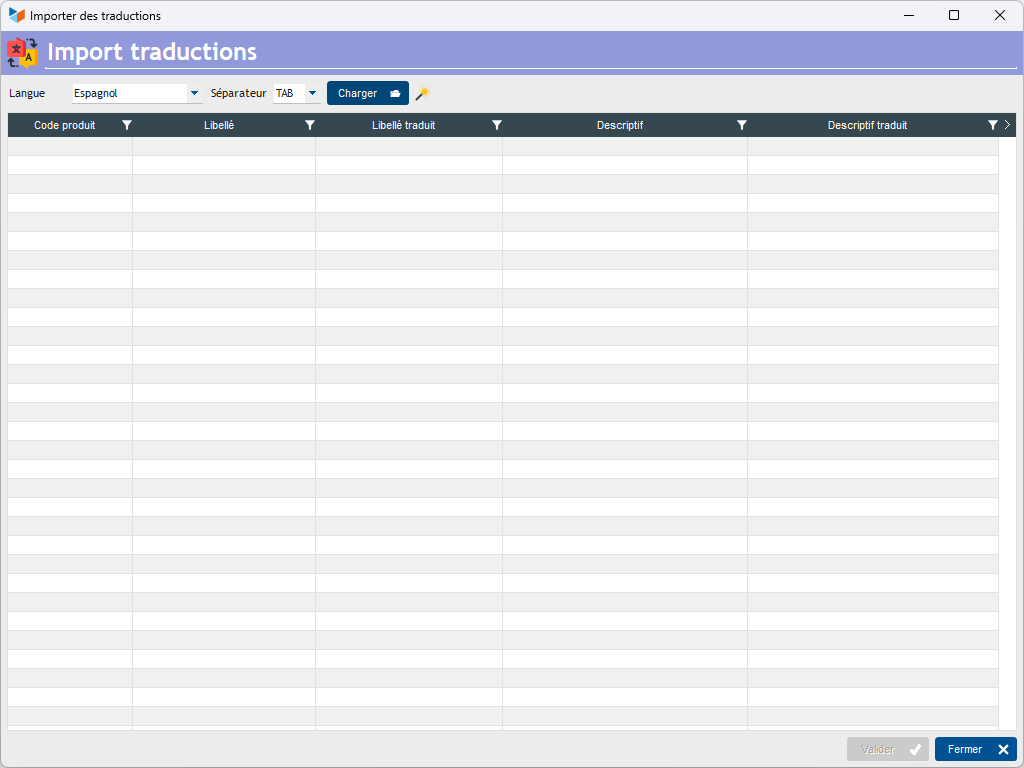
Select the language via the drop-down list, then the import file using the Load button.
For each product read, label and description will be displayed, as well as the translations read in the input file.
The Validate button will update the translations file (or the product file if the translation language is the same as the company language.
Format of input files
The input file must be a separated text file (TAB, or semicolon). To do this, you can use a spreadsheet like LibreOffice Calc or Microsoft Excel (remember to save the file in text format with separator), or even a simple word processor like Notepad, PSPad, NotePad++, etc.
The input file must be in tab-separated text format, without title line, including, per line:
- the item code (25 car maximum),
- the item wording (100 car maximum)
- the description of the item (unlimited number of characters)
Any line starting with the character “#” will be considered a comment.
Example :

The magic wand allows you to generate a file ready to be loaded.
The formatting of article descriptions (bold, italics, font size and color) is not taken into account by this program.
 Other “Tools” articles
Connection to Gestan
Database minimization
Export Gestan database
Gestan base import
Gestan directory structure
Gestan on a USB stick
Gestan Versions
Import a chart of accounts
Import account assignments
Import contracts into Gestan
Import Google/Outlook/Notes contacts
Import parts into Gestan
Import product translations
Importing data into Gestan
Maintenance of HFSQL files
Mass Parts Removal
Quick start
Reallocation of contacts by region
Reassignment of users
Rebooking entries
Reset additional fields
Reset categories
Resetting files
Tips and tricks
Transfer your data to technical support
Zip the base