Mass Parts Removal
 A1 proofreading not yet effective for this page. In the meantime, you can ask any questions on the forum.
This screen allows you to delete orders, quotes, delivery notes, price requests, supplier orders, mass receipt notes.
Using the screen
Access: Tools → Administration → Data processing → Parts → Mass deletion.
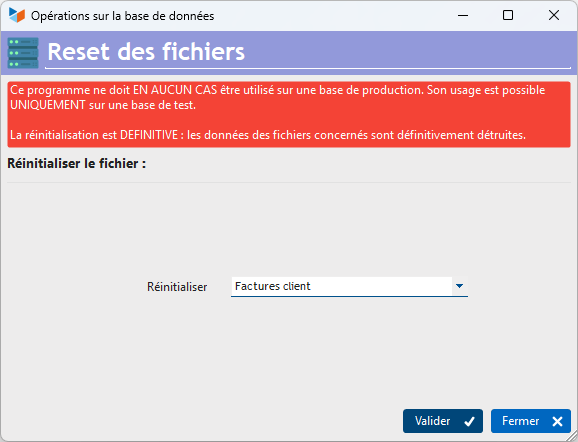
Choose the type of parts you want to delete.
Indicate the date range you want to process in the Between And fields.
Then click on the Validate button.
The selected parts are permanently deleted.
 Other Tools articles
Compilable procedures
Database minimization
Exporting the database Gestan
File types in an HFSQL database
Fine-tuning the general settings in
Gestan base import
Gestan directory structure
Gestan on a USB stick
Gestan Versions
Import a chart of accounts
Import account assignments
Import contracts into Gestan
Import Google/Outlook/Notes contacts
Import parts into Gestan
Import product translations
Importing data into Gestan
Logging in to Gestan
Mass Parts Removal
Reallocation of contacts by region
Reassignment of users
Rebooking entries
Reset additional fields
Reset categories
Resetting files
Tips and tricks
Transfer your data to technical support
Zip the base
Database minimization
Exporting the database Gestan
File types in an HFSQL database
Fine-tuning the general settings in
Gestan base import
Gestan directory structure
Gestan on a USB stick
Gestan Versions
Import a chart of accounts
Import account assignments
Import contracts into Gestan
Import Google/Outlook/Notes contacts
Import parts into Gestan
Import product translations
Importing data into Gestan
Logging in to Gestan
Mass Parts Removal
Reallocation of contacts by region
Reassignment of users
Rebooking entries
Reset additional fields
Reset categories
Resetting files
Tips and tricks
Transfer your data to technical support
Zip the base